Simple node debug logging
Trying to make web faster, more accessible, cheaper to run, more effective:
- Choosing right tool for the job (ie. serverless, static site generator)
- Reducing network utilization by removal, compression, optimization, minification
- Lazyloading/deferring non critical parts
- Optimizing critical path and assets
- Training about impact 3rd party scripts have on the performance
- Pushing minimalism and simplicity philosophy in the team
... and many more contextual decisions.
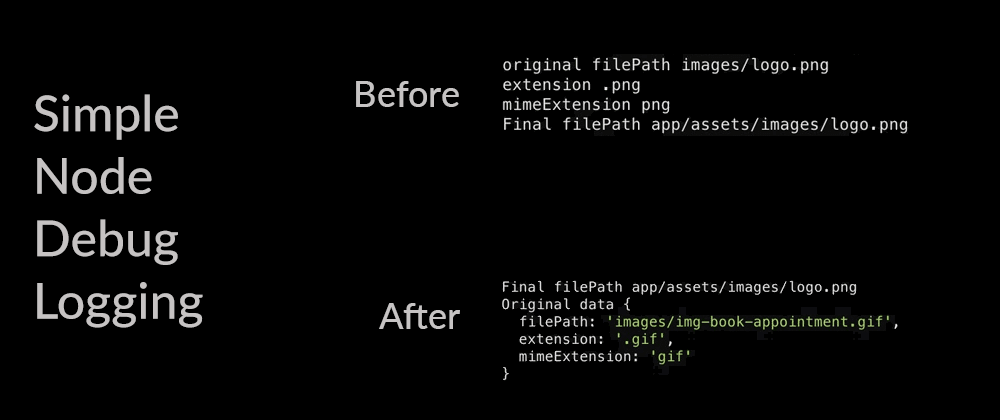
While working on node.js programs, you often need to print some additional info on the screen to know what exactly is happening during the flow. In this article we will show you how you can improve your logging in a very simple way.
Before
There are nodejs packages to help you (listed in the end of the article) to abstract some parts and give some flexibility when it comes to filtering, but if you don't need much, you can just do an if statement:
if (process.env.DEBUG === 'true') {
  console.log("original filePath", filePath);
  console.log("extension", extension);
  console.log("mimeExtension", mimeExtension);
}
Those console.logs will only work if there is a system environment variable DEBUG set to true.
For example, on *nix systems you can set the environment variable while running a command:
$ DEBUG=true pos-cli assets
On Windows you should use set DEBUG=true.
This will result in something like this:
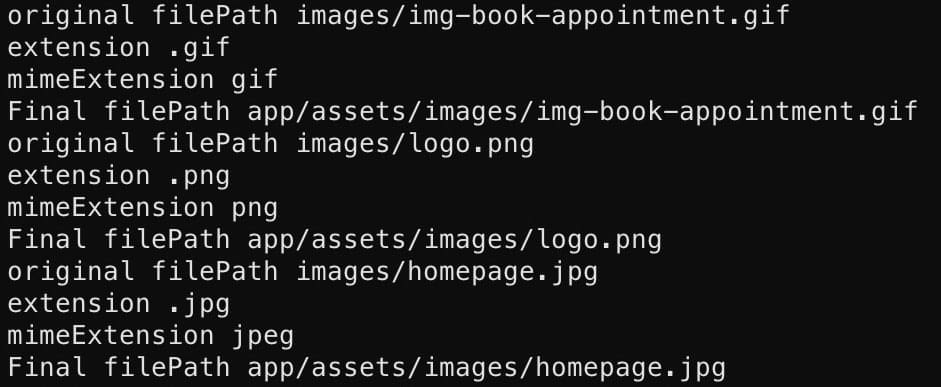
It is doing what it's supposed to do, but we can do better with less code.
After
if (process.env.DEBUG === 'true') {
  console.log('Original data', {
    filePath,
    extension,
    mimeExtension
  });
}
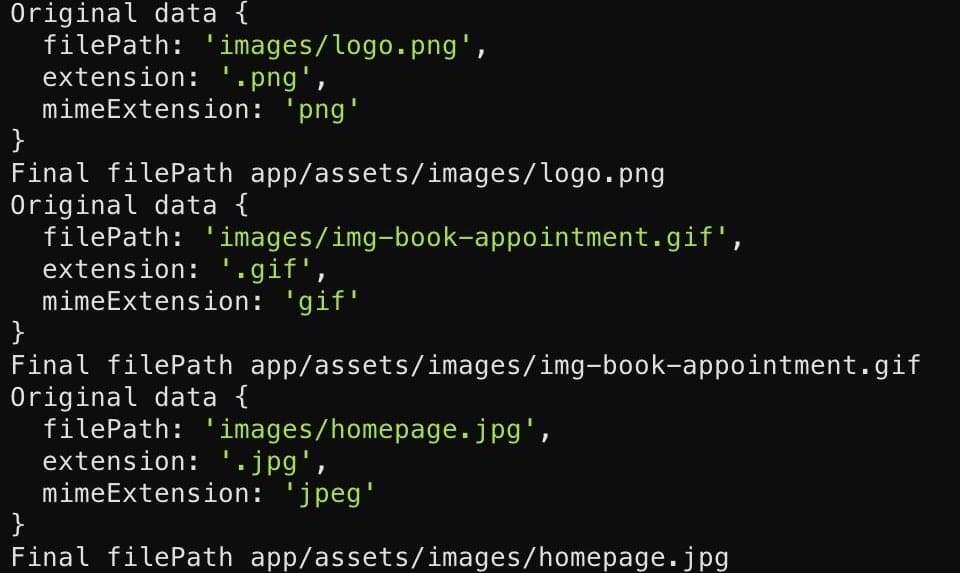
- We use
Original dataas the title for this object, which will help us identify what we are logging. - In an object we use the shortcut version of
key: valuewhen both are the same by writing onlykey. - In modern shells object values are colored (zsh on the screenshot).
- Logged object is formatted by nodejs, with indentations, further improving readability.
- If the object would fit in one line, nodejs would not break line and keep it compact.
Result
Other resources
There are some pretty nice alternatives if you want more power or visual clarity in your logging / debugging:
- https://www.npmjs.com/package/debug
- https://www.npmjs.com/package/log
- https://www.npmjs.com/package/loglevel
- https://www.npmjs.com/package/pretty-error


